

Notes, checklists and PDFs, kept on your phone.
Lupenote is out on Google Play. It's a notes app for Android that keeps your notes, checklists and PDFs together in one Library, with a keyboard of its own. There is no account, no ads and no tracking: everything stays on your phone. It's free to download, and Lupenote Pro is a one-time purchase, never a subscription.
Why the name? Our studio is Obsidian Wolf, lupus is Latin for wolf, and this is where you keep your notes.
Write and organize
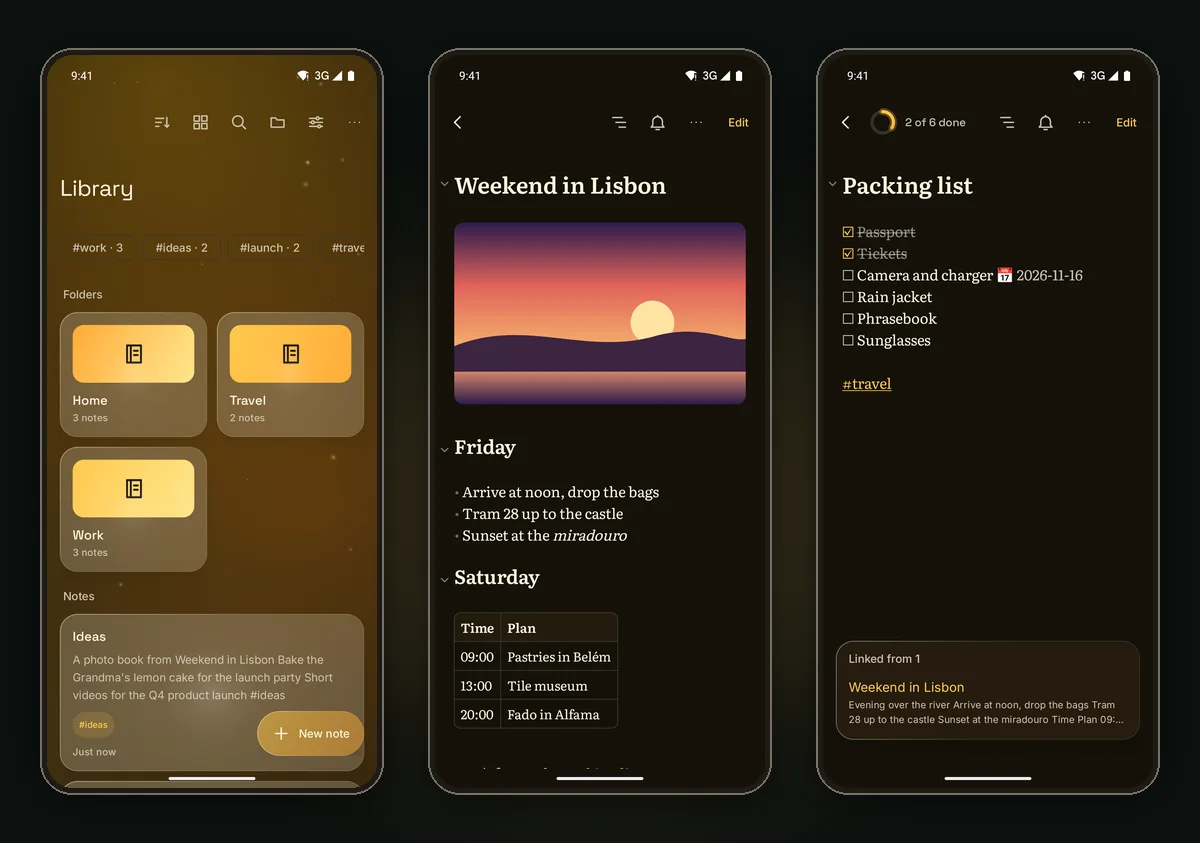
- One Library for notes, checklists and PDFs: folders inside folders, tags, sort and filters, and a list, grid or browser view.
- Write freely: headings, lists, tables, pictures, photos and voice recordings, with the words you speak written out on the phone. The Markdown marks hide while you write, and the note stays plain Markdown underneath.
- Link notes with
[[ ]]as you type. Every note shows what links to it, and the graph of links (Pro) shows how they all connect. - Checklists with due dates and reminders on single items, and checklists that untick themselves every day, week or month (Pro).
Find anything
One search covers every note and PDF, including the words in your photos and scanned pages. They are read on the phone, never uploaded.
PDFs, done properly
- Read, find and copy from any PDF, free.
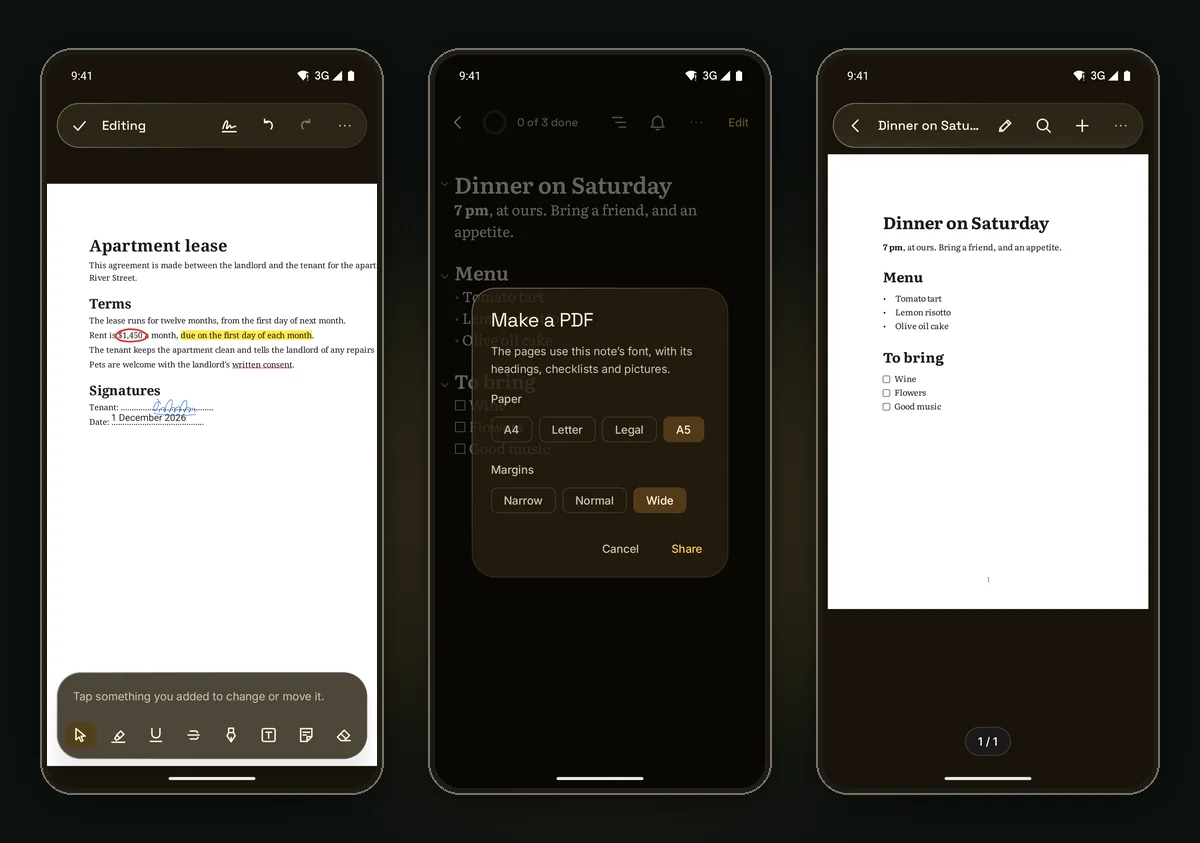
- Highlight, draw and type on PDFs, fill in forms and sign them, and move, turn, add or remove pages (Pro). The original file never changes.
- Turn any note into a PDF in its own font, on A4, Letter, Legal or A5 paper (Pro).
A keyboard of its own
25 styles, from typewriter to mechanical, each with its own look and its own key sounds. 39 languages, with word suggestions, emoji and a row of formatting tools for notes. It works inside Lupenote only, and nothing you type leaves the app.
Private by design
- Lock the app, or single notes, with a PIN or your fingerprint.
- Encrypted backups saved where you choose, and a daily version of every note kept for 30 days.
- Export your notes as plain Markdown files whenever you like. Nothing is locked in.
On your home screen
A quick note widget, free. With Pro: pinned and recent notes, checklist, voice note-to-self, one-note and sticky calendar widgets, and a Quick Settings tile.
Lupenote runs on Android 8.0 and later. Get it on Google Play, and see the Lupenote page for screenshots and short videos of it at work.
Thanks for writing with us. This is the start: tell us what you think at [email protected].
Obsidian Wolf
Comments
No comments yet. Be the first to say hello.